EN
EN  TR
TR  FR
FR  DE
DE  VI
VI  IT
IT  NL
NL  AF
AF  KO
KO  ES
ES  PL
PL  ID
ID  JA
JA  RU
RU  HI
HI  DA
DA  FI
FI  TH
TH  ZH-TW
ZH-TW  BG
BG  CS
CS  HE
HE  AR
AR  PT
PT  SV
SV  HU
HU  HR
HR  SK
SK  NB
NB Getting Started with TechPro CNC Wood Projects
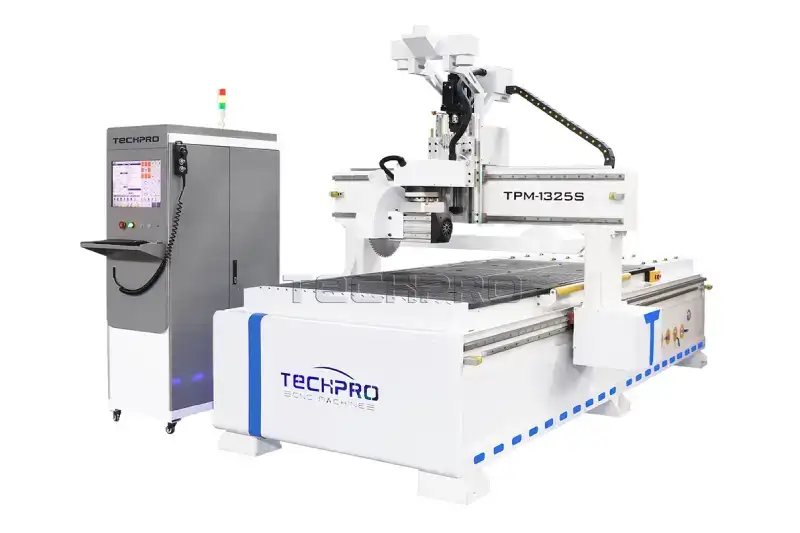
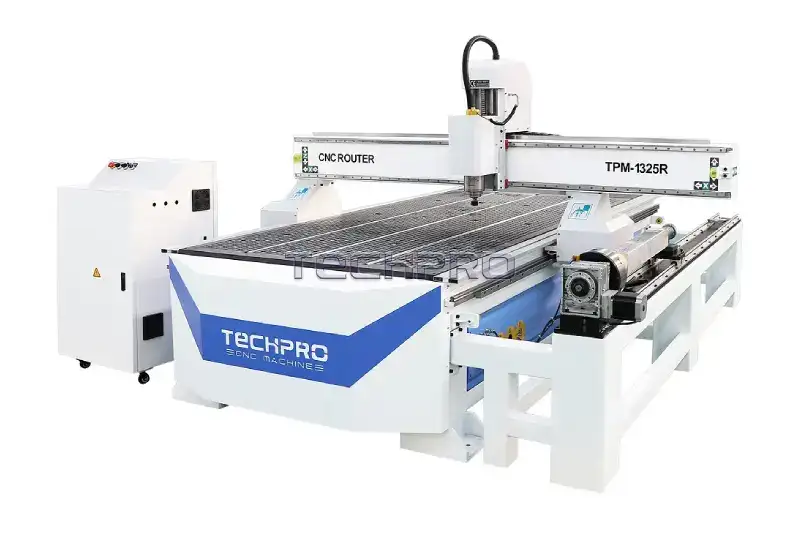
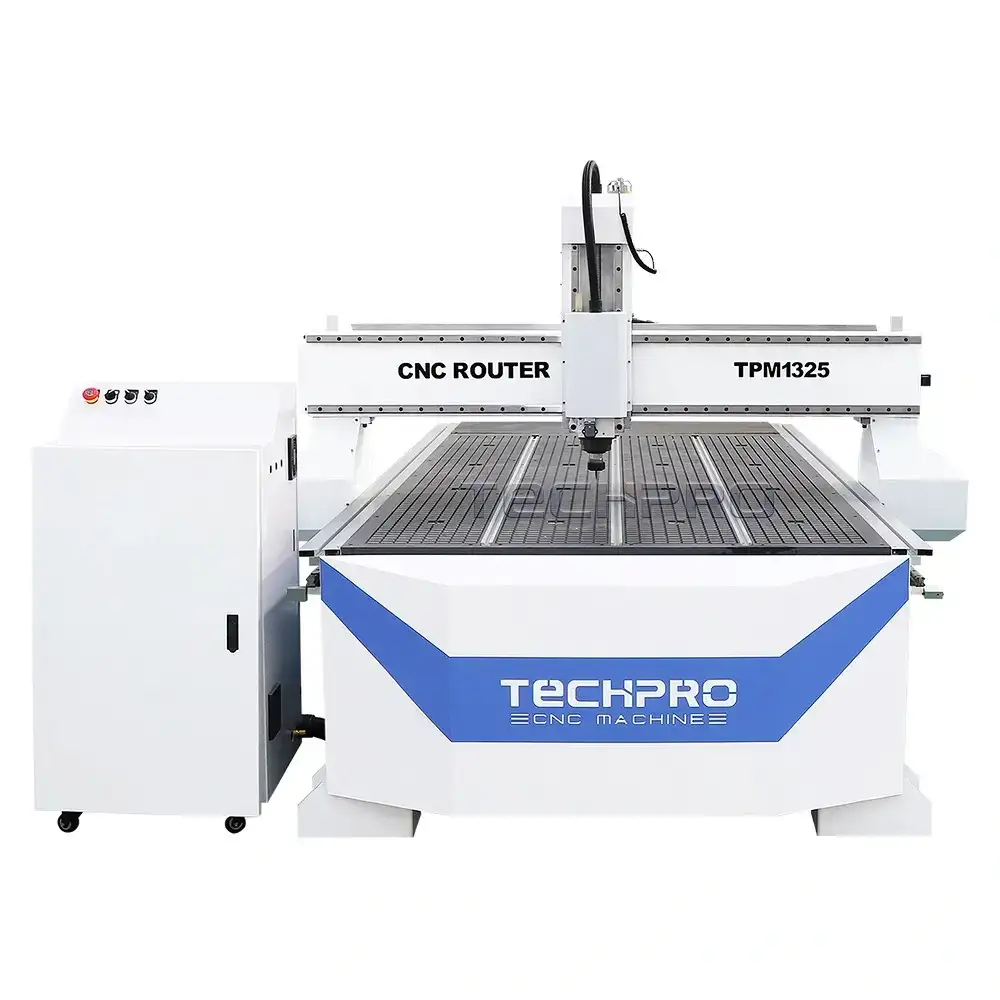
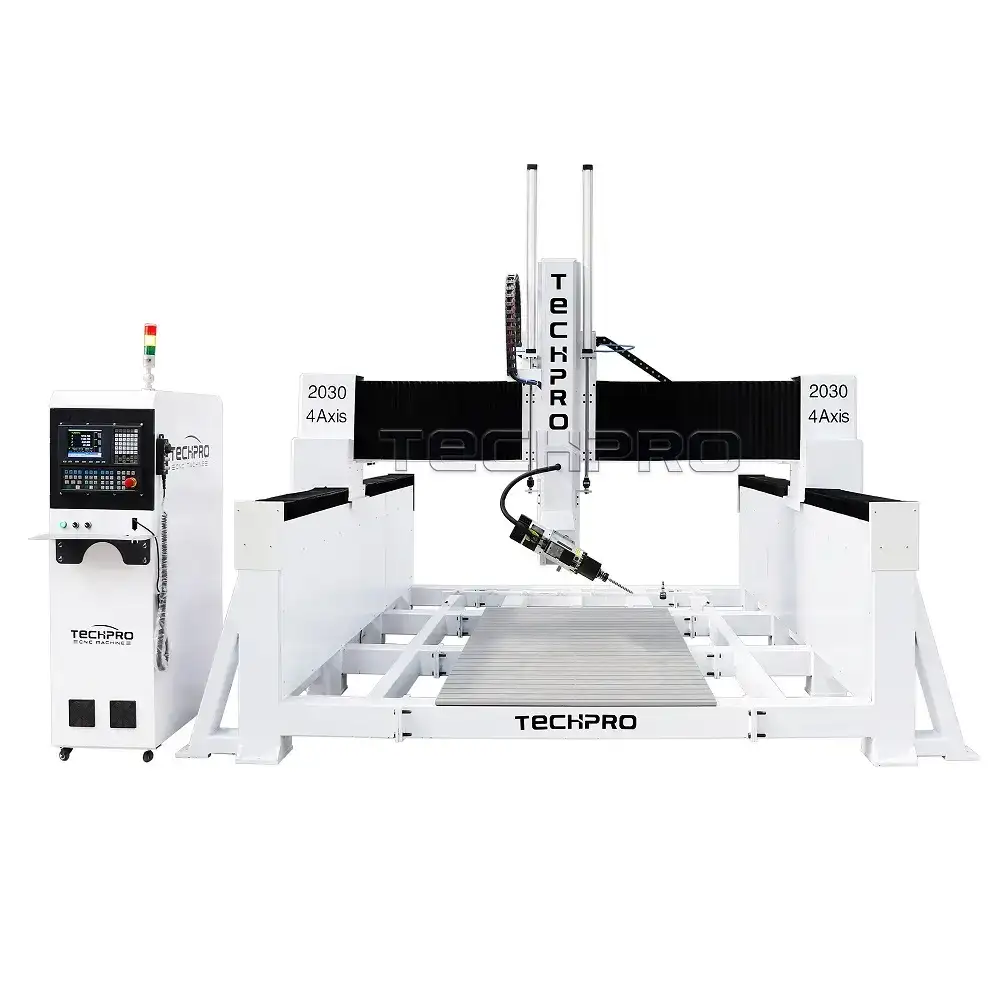
Ready to dive into CNC wood projects but not sure where to start? Let’s simplify it. First, choose the right TechPro CNC model that fits your woodworking goals. Whether you’re a beginner or aiming for professional-grade pieces, TechPro offers machines that balance power and precision perfectly for wood.
Next, gather your essential tools and materials. Look for sustainable woods like maple, cherry, or walnut — they cut cleanly and last long. Equip yourself with sharp router bits designed for wood, including engraving, v-carving, and straight bits. Don’t forget reliable software like Vectric or Fusion 360 to design your projects and generate toolpaths seamlessly.
Setting up your TechPro machine is easier than you think. Follow these quick steps:
- Calibrate the machine using built-in sensors to ensure precise cuts.
- Follow strict safety protocols—wear eye and ear protection, keep your work area clean, and secure your material firmly.
- Perform a first test cut on scrap wood to confirm settings.
If you hit snags like misalignment or rough edges, don’t worry. Most beginner issues with TechPro CNC tools are simple to fix — recalibrate, check bit sharpness, and adjust feed rates. With the right setup and these basics, you’re ready to create stunning CNC wood projects confidently.
15 CNC Wood Project Ideas From Beginner Builds to Profitable Sellers

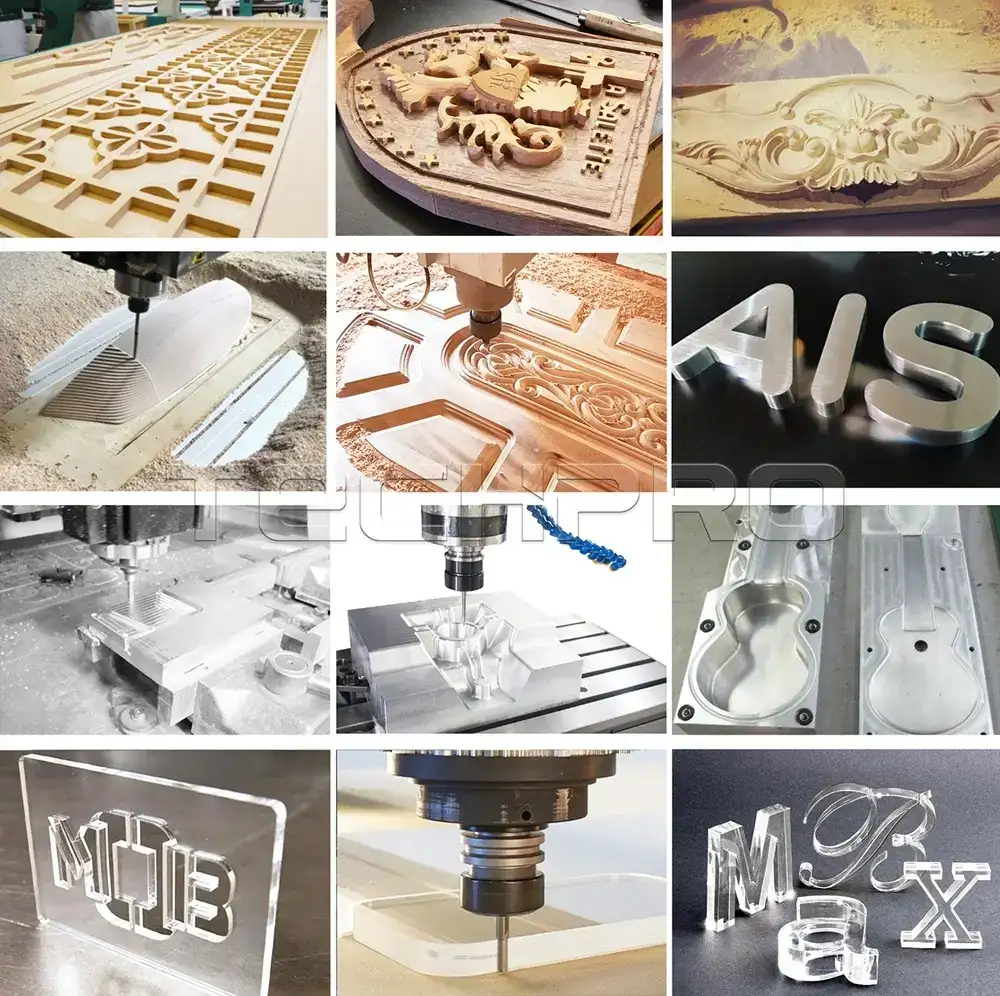
Here are 15 solid CNC wood projects you can start with, whether you’re a beginner or looking to turn your crafts into a business. Each project fits well with TechPro CNC machines and includes tips to make your woodworking smooth and profitable.
Project 1 Personalized Wooden Coasters
Simple vector designs work best here. Use engraving for custom names, logos, or patterns. Great for gifts and easy to sell.
Project 2 Custom Name Signs
Try layered lettering and paint-filling techniques for a rustic, eye-catching look. Perfect for home décor or kids’ rooms.
Project 3 Fidget Toys or Puzzle Cubes
Geometric cuts and clever assembly make these fun and kid-friendly. They’re quick to produce and popular as gifts.
Project 4 Key Holders or Wall Hooks
Functional and stylish, these use routed slots to hold keys or small items. Personalize with initials or shapes.
Project 5 Candle Holders
Use parametric waves and hexagonal bases for modern designs. Follow safety sanding tips to keep edges smooth.
Project 6 Wooden Toy Cars
Build scaled models with axle slots for wheels. Use eco-friendly paints and finishes. These do well on platforms like Etsy.
Project 7 Picture Frames with Inlays
Mitered joints plus matching wood species give a classy touch. Inlays show off your CNC precision.
Project 8 Cutting Boards with Handles
End-grain patterns are eye-catching and durable. Seal with food-safe finishes, and add branding for a professional edge.
Project 9 Jewelry Organizers
Create tiered trays with felt lining. Modular designs increase scalability and appeal.
Project 10 Plant Stands or Succulent Holders
Curved legs and drainage routing help indoor gardening thrive. These add style and function to small spaces.
Project 11 Bar Stools or Ottomans
Use joinery templates for sturdy builds. Add upholstery options to customize comfort and look.
Project 12 Wall Art Panels
3D relief carvings featuring nature motifs stand out. Combine with LED backlighting for modern appeal.
Project 13 Birdhouses or Garden Planters
Weatherproof your work with precision nesting holes and durable assemblies.
Project 14 Cribbage Boards
Inlaid tracks and peg storage pockets are a hit with game lovers. Add custom designs for higher value.
Project 15 Modular Shelving Units
French cleat systems make for scalable, easy-to-install home organization.
These projects cover a wide range of uses from fun beginner builds to advanced, profitable crafts you can sell. They’re ideal if you want to grow your woodworking skills with TechPro CNC routers while tapping into popular CNC router woodworking ideas and profitable CNC wood crafts.
Pro Tips Design Software Finishing Techniques and Scaling for Profit
To get the most out of your CNC wood projects, mastering design software and finishing techniques is key. Start with free tools like Vectric and Fusion 360—both work great with TechPro CAM for smooth, seamless workflows. These programs help you create precise vector files and 3D models without breaking the bank.
When it comes to finishing, focus on post-processing to make your pieces stand out:
- Use sanding jigs to keep edges clean and consistent without extra effort.
- Apply stains and oils to enhance the wood’s natural grain and durability.
- Avoid tear-out by adjusting feed rates and choosing sharp, high-quality bits — especially with hardwoods.
If you want to turn your CNC wood projects into a profitable venture, consider these strategies:
- Price your items smartly by factoring in material cost, machine time, and labor.
- List your products on Etsy or Shopify to reach customers looking for custom CNC wood crafts.
- Bundle your items with TechPro kits or add-ons to increase value and encourage larger purchases.
By combining the right software tools, expert finishing, and smart sales approaches, you can take your CNC woodworking from a hobby to a steady source of income.
For detailed machine options tailored to woodworking, check out the TechPro CNC Wood Router Machines.
Common Mistakes to Avoid and TechPro CNC Troubleshooting
When working on CNC wood projects with your TechPro CNC, avoiding common mistakes saves you time and frustration. Here are the biggest slip-ups and how to fix them:
-
Overfeeding Bits
Pushing your router bit too fast causes rough cuts, tool damage, and machine strain. Always match your feed rate to the wood type and bit size. Slow and steady is better than speeding through.
-
Ignoring Dust Collection
Wood dust clogs your machine and ruins cuts. Set up a proper dust collection system or at least use a shop vacuum nearby. Keeping your TechPro CNC clean means longer tool life and better results.
-
Poor File Exports
Bad exports cause errors or misaligned cuts. Double-check your design files and export settings before running a job. Stick to formats your TechPro software supports to avoid glitches.
-
Calibrating TechPro Machines
Calibration is critical. Use the built-in sensors your TechPro CNC provides to prevent alignment errors. Regularly check your machine’s home position, tool offsets, and axis settings to keep every cut precise.
Following these tips will keep your CNC wood projects smooth and your TechPro machine running in top shape.