2026 Best CNC Software for Woodworking: Top CAD/CAM Solutions for Beginners & Pros
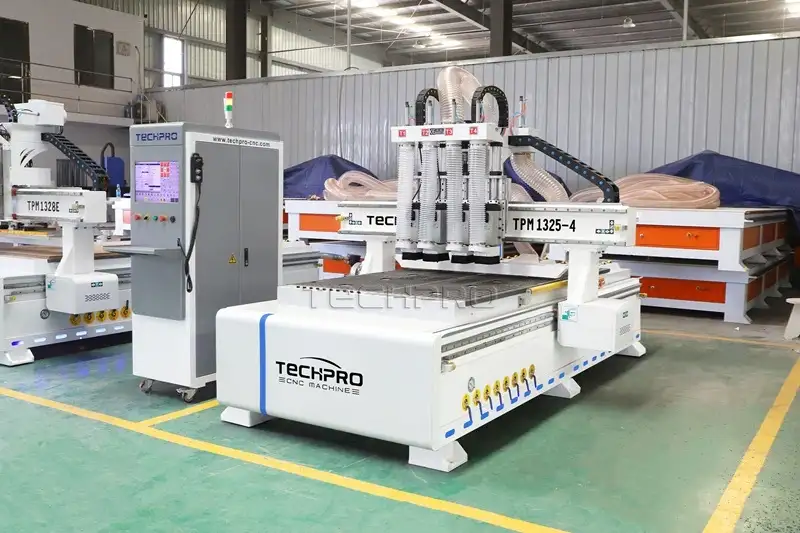
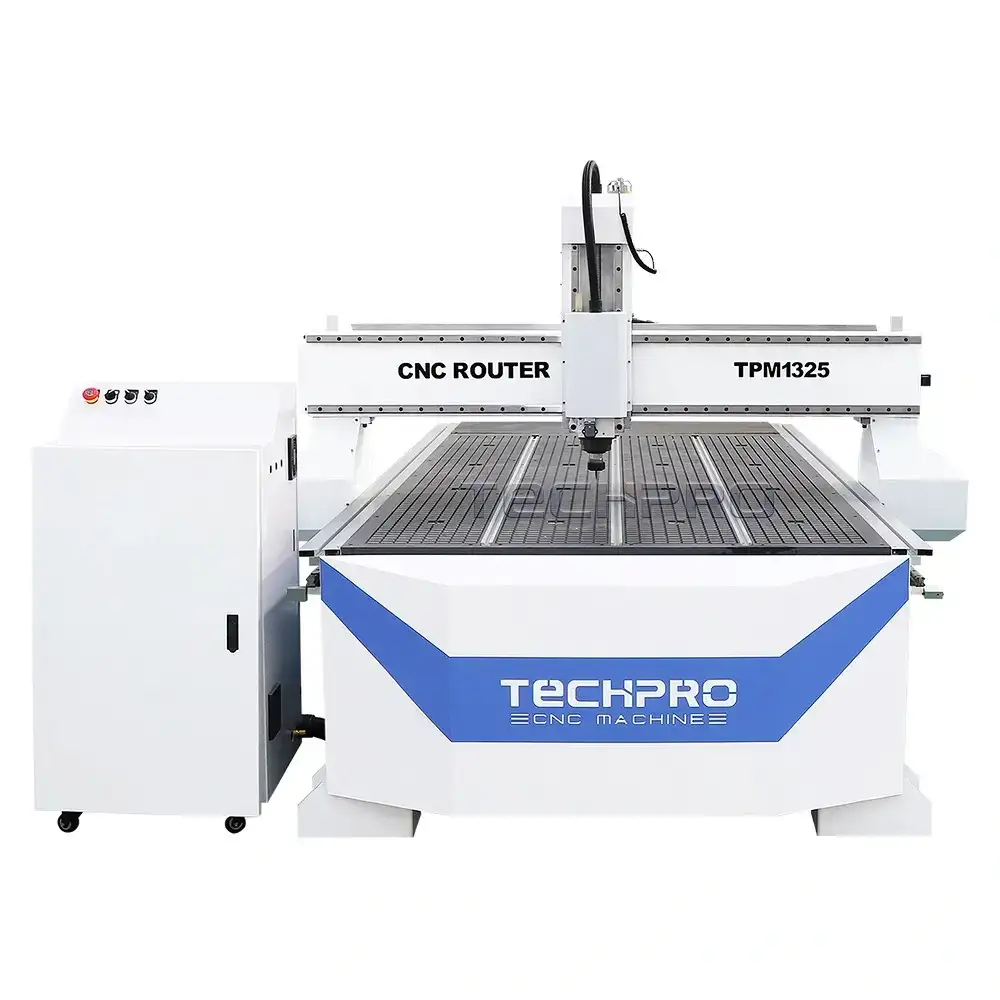
Selecting the best CNC software for woodworking isn’t rocket science—it just needs to fit your project, your team, and your machine. Based on our test in the workshop, for 2-axis/2.5D sign making or furniture cutting, Vectric Aspire and VCarve Pro are still the go-to tools; they’re simple enough for our new operators to pick up, but powerful enough for daily production. For 3D modeling or complex joinery, Autodesk Fusion 360 is in a league of its own—no other tool comes close to its simulation capabilities. If you’re just starting out and don’t want to spend money, Easel or FreeCAD will get the job done. As a CNC manufacturer with 17+ years of shop floor experience, we’ll tell you straight: the software only works well if it syncs with your machine’s controller. Of course, great software needs a stable machine to match—our TechPro 1325 ATC CNC Router works seamlessly with all these tools, and we’ve tested every single one on our shop floor to prove it.
Best Starter CNC Machine: 2026 Guide for Beginners, Hobbyists & Small Businesses
Looking for the best starter CNC machine? Explore top picks for beginners, hobbyists, and small businesses—including budget, hobby, and woodworking CNC machines from TechPro’s 17+ years of expertise.
A Complete Guide to CNC Router Machines: Which TechPro Model Is Right for You (2026)
Explore the full range of CNC router machines from TechPro—including nesting, ATC, 4/5 axis, wood, hobby, and foam routers. Learn which model fits your woodworking, panel furniture, or custom fabrication needs.
What Is CNC? Complete Guide to Computer Numerical Control
What is CNC? Learn the meaning of CNC (Computer Numerical Control), how CNC machines work, and their real-world uses in metalworking, woodworking, and manufacturing—with insights from TechPro’s 17+ years of CNC expertise.
Types of CNC Routers: Which Machine Is Right for Your Business in 2026
Confused about CNC router types? Learn how wood, stone, panel furniture, and metal CNC routers work, and find the best TechPro machine for your manufacturing needs in 2026.
How to Generate 2D Design G-Code in ArtCAM: for CNC Beginners
If you work with CNC machining, you know G-code is the universal language that turns your 2D designs into precise, automated cuts. For users of ArtCAM (a leading CAD/CAM software for woodworking, routing, and engraving), generating clean, error-free G-code is the key to getting consistent, high-quality results from your CNC router.
Whether you’re a hobbyist making custom signs or a professional fabricating cabinet parts, this guide will walk you through the entire process of turning a 2D design into ready-to-run G-code in ArtCAM, with simple steps, pro tips, and common mistakes to avoid.
How to Install Artcam : Full Step-by-Step Guide for Beginners
If you’re a CNC woodworker, hobbyist, or small manufacturer looking to master 2D/3D design and G-code generation, Autodesk Artcam remains one of the most trusted tools in the industry. Whether you’re new to CNC programming or upgrading to the 2026 version, a smooth installation is the first step to unlocking Artcam’s full potential for your TechPro CNC router projects. In this complete guide, we’ll walk you through every step of installing Artcam 2026, from system requirements to post-install setup, with pro tips to avoid common mistakes.
If you’re new to CNC machining, the CNC spindle is one of the most critical components you’ll encounter. Often called the “heart” of a CNC router, mill, or machining center, the CNC spindle is the rotating shaft that holds your cutting tool and drives it to cut, carve, engrave, or mill your workpiece. Whether you’re a hobbyist working with a small CNC router or a professional running an industrial CNC machine, understanding what a CNC spindle is, how it works, and how to choose the right one is essential for getting high-quality, consistent results.
What Is DSP Controller for CNC Routers: Beginner Basics
If you’re new to CNC routers, you’ve likely seen the term “DSP controller” listed as a key feature—but what exactly is it, and why does it matter for your CNC machine? A DSP (Digital Signal Processing) controller is the core control system that powers many industrial CNC routers, acting as the “brain” that translates your design files into precise, automated cutting movements. Unlike general-purpose CNC controllers, a DSP system is built specifically for high-speed, high-accuracy routing, making it a popular choice for woodworking, advertising, and industrial CNC applications.
How to Program a CNC Machine Step-by-Step for Beginners
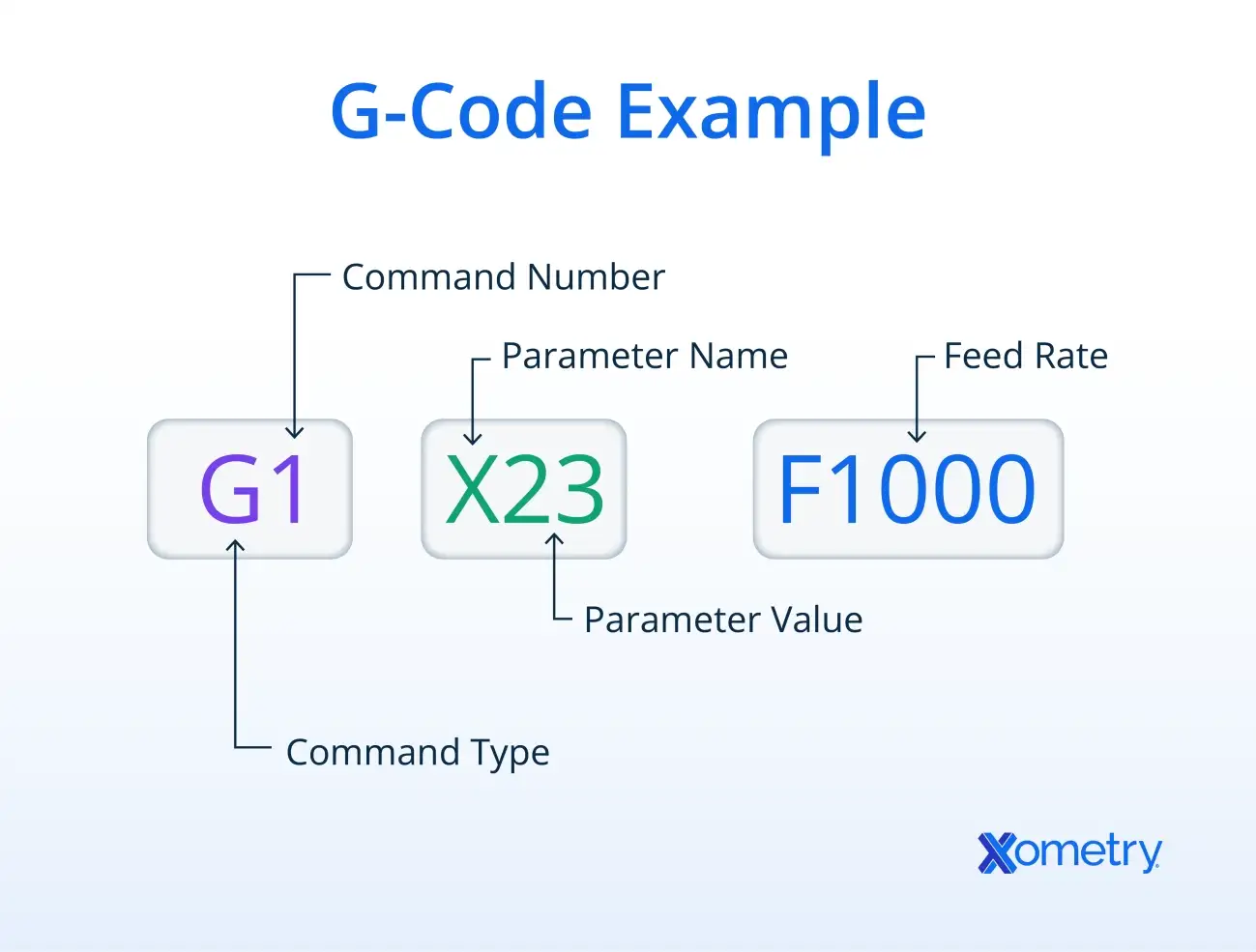
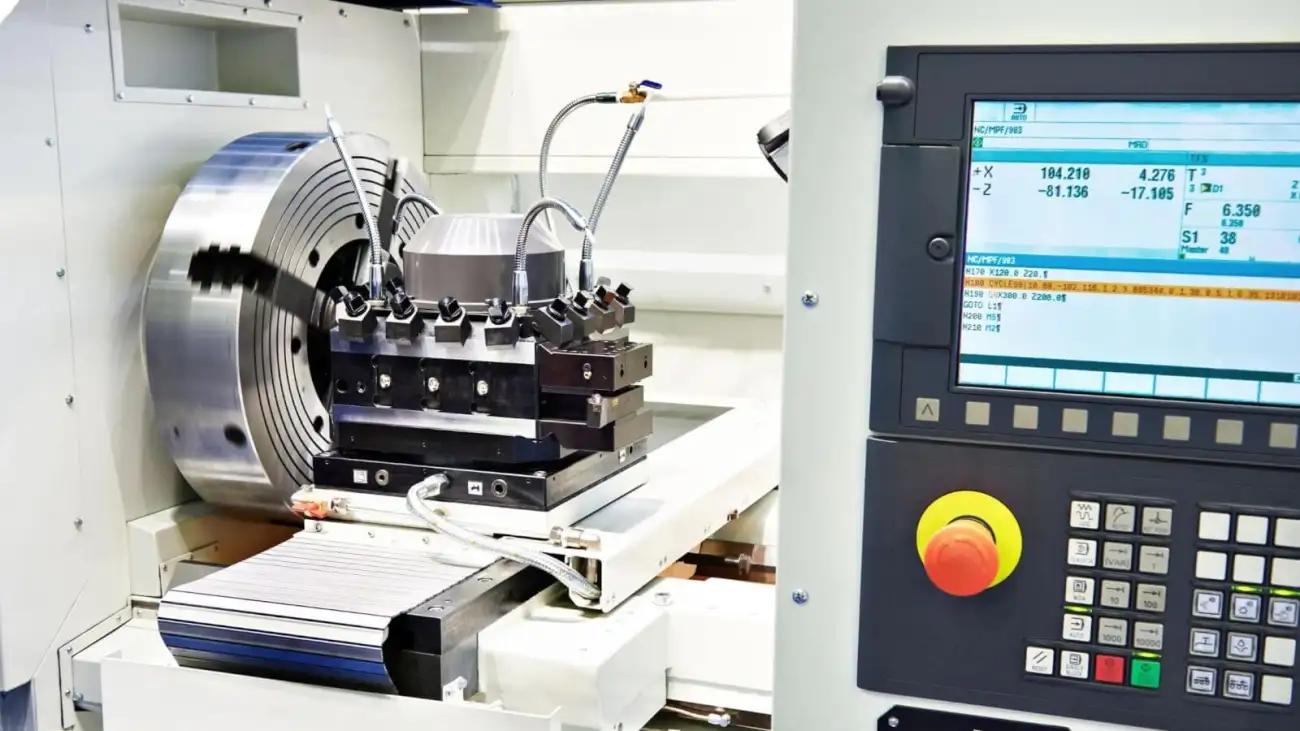
Learn how to program a CNC machine with step-by-step beginner guides covering G-code, toolpaths, setup, and error troubleshooting for precise machining.





 EN
EN  TR
TR  FR
FR  DE
DE  VI
VI  IT
IT  NL
NL  AF
AF  KO
KO  ES
ES  PL
PL  ID
ID  JA
JA  RU
RU  HI
HI  DA
DA  FI
FI  TH
TH  ZH-TW
ZH-TW  BG
BG  CS
CS  HE
HE  AR
AR  PT
PT  SV
SV  HU
HU  HR
HR  SK
SK  NB
NB