EN
EN  TR
TR  FR
FR  DE
DE  VI
VI  IT
IT  NL
NL  AF
AF  KO
KO  ES
ES  PL
PL  ID
ID  JA
JA  RU
RU  HI
HI  DA
DA  FI
FI  TH
TH  ZH-TW
ZH-TW  BG
BG  CS
CS  HE
HE  AR
AR  PT
PT  SV
SV  HU
HU  HR
HR  SK
SK  NB
NB Understanding CNC Programming Basics
What is CNC Programming
CNC programming is the process of creating a set of instructions that tells a CNC machine how to move and operate to make a part. Think of it as writing a recipe for the machine. These instructions guide the machine precisely to cut, drill, or shape materials.
The most common language for CNC programming is G-code, a series of commands that control movements like direction, speed, and position. Alongside G-code, M-code handles machine functions such as starting or stopping the spindle, coolant control, and tool changes.
| Code Type | Function | Example Command |
|---|---|---|
| G-code | Controls motion & positioning | G01 (Linear move) |
| M-code | Controls machine operations | M03 (Spindle on CW) |
Key Components
Understanding key elements in CNC programming is crucial:
- Coordinate Systems: Define the machine’s workspace using X, Y, Z axes.
- Axes: Represent directions of movement. Most CNC machines use 3 axes (X, Y, Z), while advanced machines have 4 or 5 axes.
- Work Offsets: Reference points on the workpiece, like G54, that help the machine know where the cutting should start.
Programming Methods
There are three main ways to program CNC machines:
- Manual G-code Writing: Directly coding the instructions by hand. It’s precise but complex, best for simple or custom tasks.
- Conversational Programming: Uses a simplified interface where you input commands without coding, ideal for beginners on certain CNC routers.
- CAM Software: Computer-Aided Manufacturing tools automatically generate G-code from CAD models. This is the most efficient choice for complex or repetitive work.
For beginners, starting with conversational programming or basic CAM software is recommended to bridge the gap between design and machining.
Why CNC Programming Matters
CNC programming is the backbone of modern manufacturing. Here’s why:
- Repeatability: Programs can be reused to produce identical parts consistently.
- Reduced Waste: Accurate machining minimizes material scrap.
- Lower Error Rates: Automated instructions limit human mistakes, improving quality.
Statistics show CNC programming can cut errors by up to 75% and increase production efficiency by 40%. This means less downtime and better product reliability.
Tools and Software You’ll Need
Hardware Essentials
To get started programming a CNC machine, you need the right hardware. This includes the CNC machine itself, which comes with controllers that interpret your G-code and send commands to move the tools. Tool holders are important too—they keep your cutting tools stable and precise. Probes help with measuring and setting up the workpiece accurately, making sure everything lines up before cutting starts.
Software Recommendations
You’ll need CAD and CAM software to design parts and generate toolpaths. There are great free options out there, but for professionals, investing in software like TechPro CNC’s bundled solutions makes sense. These packages pair CAD and CAM capabilities, streamlining your workflow from design to G-code export, and they’re optimized to work smoothly with TechPro CNC machines.
Setup Checklist
Here’s a quick checklist to get your system up and running safely and efficiently:
- Install your CAD/CAM software and confirm it supports your machine’s controller.
- Connect the CNC controller to your computer via USB or network cable.
- Securely mount tool holders and verify tool calibration.
- Use probes or manual methods to set work offsets.
- Calibrate your machine axes to match your software’s coordinate system.
- Run basic connection tests to confirm communication between hardware and software.
- Familiarize yourself with emergency stops and machine guards before starting any program.
Following these steps ensures your CNC setup is ready for accurate and safe programming.
Step-by-Step Guide to Programming a CNC Machine
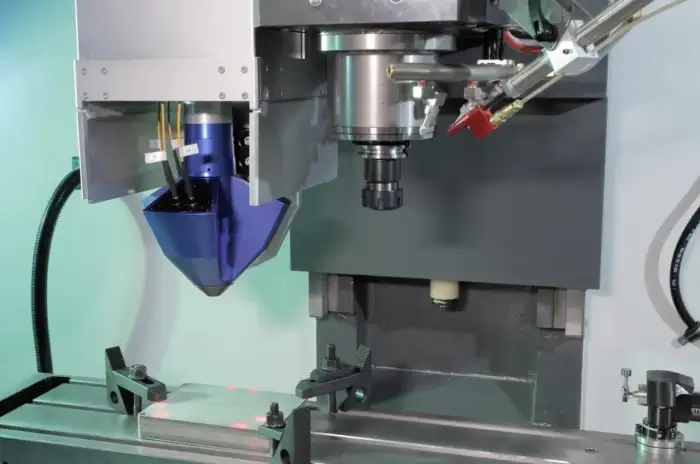
Step 1 Design Your Part in CAD
Start by creating a detailed 2D or 3D model of your part using CAD software. Focus on accurate dimensions, tolerances, and material properties to ensure the final product meets your specs. Import your design file into your CAM software once it’s ready.
Step 2 Generate Toolpaths in CAM
Define the machining operations by selecting the right cutting tools and setting toolpaths. Use the CAM software to simulate these paths and spot potential collisions or errors before moving forward. This step is crucial for avoiding machine crashes and wasted material.
Step 3 Write or Export G-Code
The CAM software will generate G-code, which controls your CNC machine. If you’re writing code manually, follow basic syntax rules and commands to create a safe, efficient program. Here’s a simple example of G-code for a milling operation:
G21 ; Set units to millimeters
G90 ; Absolute positioning
M06 T1 ; Tool change to tool 1
G01 X10 Y10 F100 ; Move to X10 Y10 at feed rate 100
Step 4 Tool Selection and Speeds Feeds
Choose the appropriate cutting tools for your material. Calculate spindle speeds and feed rates using material charts or software recommendations. Optimizing these values improves tool life and surface finish while preventing damage.
Step 5 Set Up Work Coordinates and Offsets
Zero your workpiece by setting the work coordinate system, commonly G54. This tells the machine exactly where the part sits on the table and ensures repeatability for multiple runs.
Step 6 Simulate and Verify
Run a virtual simulation of your G-code to check for errors, gouges, or inefficient moves. CNC simulation tools help catch issues before you waste material or risk machine damage.
Step 7 Load and Dry Run the Program
Transfer your code to the CNC controller and perform a dry run without the tool engaged (air cut). This step confirms the machine follows the intended path safely.
Step 8 Execute and Monitor
Start the actual machining at conservative speeds and feeds. Keep a close watch on the operation for any signs of trouble or necessary adjustments.
Step 9 Post-Process and Optimize
After the initial run, review the finished part and G-code performance. Edit the program to improve efficiency, surface finish, or cycle time before full production runs.
For advanced CNC routers or laser machines, check out options like the TechPro CNC hobby router to see compatible setups and features.
Following these steps systematically helps minimize errors and maximize efficiency, making CNC programming smoother and more reliable.
Common Mistakes and Troubleshooting
Top Errors to Watch For
When programming a CNC machine, a few mistakes come up often:
- Unit Mix-ups: Confusing inches and millimeters leads to wrong-sized parts. Always double-check your unit settings before starting.
- Tool Crashes: Hitting a workpiece or fixture usually means wrong tool paths or offsets. These can damage tools and machines, so verify tool lengths and positions carefully.
- Modal Command Issues: CNC machines remember the last command until changed, which sometimes causes unexpected moves if the programmer forgets to reset or cancel commands.
Fixes and Diagnostic Tips
To keep your CNC running smoothly, here are some troubleshooting tips:
- Use CNC Simulation Tools: Run your G-code in simulation software before the real cut to catch errors early.
- Check Error Logs: Most controllers provide error reports. Use these to pinpoint issues quickly.
- Debugging Tools: Break down your program into smaller sections and run them step by step to isolate problems.
- Verify Work Offsets and Tool Lengths: Always confirm these values before machining.
Safety Protocols You Should Follow
Safety is key when handling CNC machines. Here’s what to keep in mind:
- Machine Guarding: Ensure all guards and covers are in place to protect against chips and moving parts.
- Emergency Stops: Test emergency stop buttons regularly so you can stop the machine instantly if needed.
- Certification Basics: If you’re new, consider basic CNC operation safety training or certifications to reduce risks.
- Personal Protective Equipment (PPE): Wear safety glasses, hearing protection, and avoid loose clothing around the machine.
By keeping an eye out for these common pitfalls and following safety protocols, you’ll avoid costly downtime and keep your CNC machine working reliably.
Advanced Tips for Efficient CNC Programming
To boost your CNC programming efficiency, start using macros and subprograms. These let you create reusable blocks of code for complex or repetitive tasks, cutting down programming time and reducing errors. For example, if you machine a part with similar features repeatedly, macros help automate those moves without rewriting code each time.
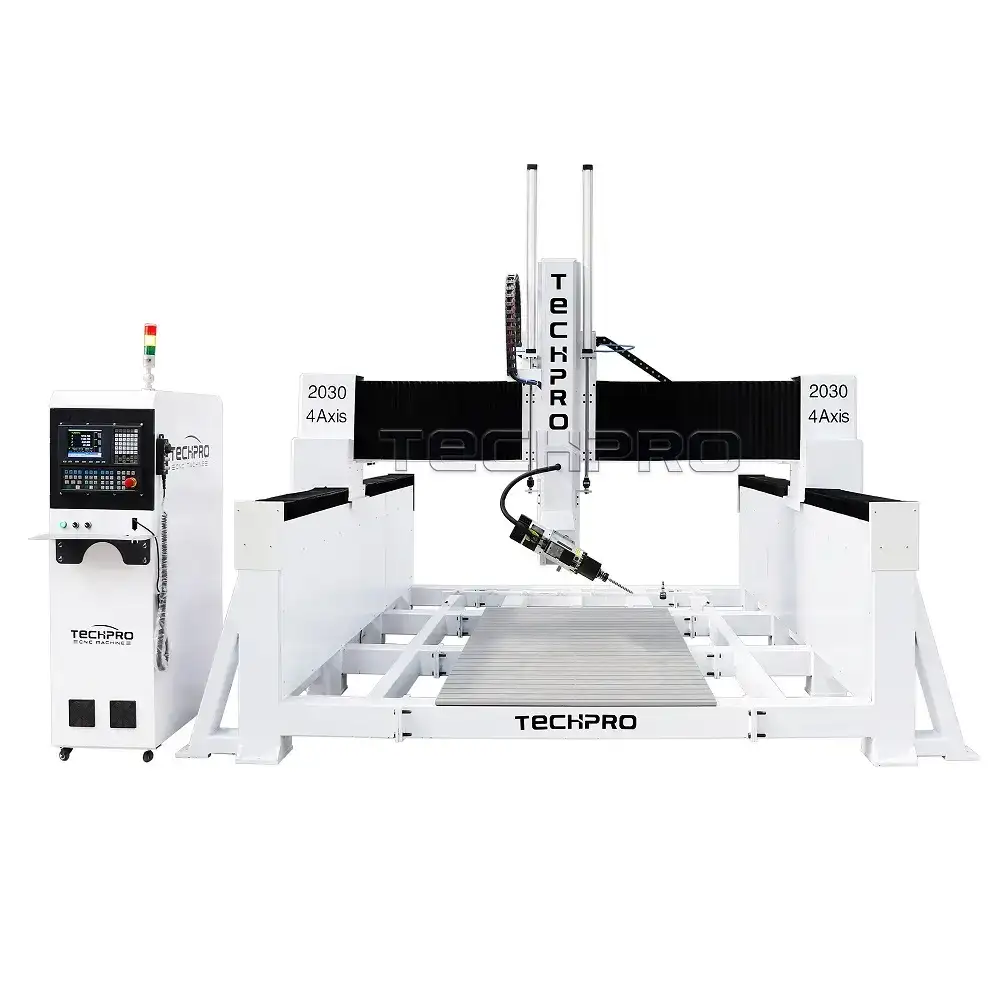
Next, explore multi-axis programming. While 3-axis machining handles most jobs, 4 and 5-axis CNC machines open up more possibilities, especially for intricate parts. These additional axes let you approach the workpiece from different angles, improving precision and surface finish on complex shapes.
Lastly, think about how programming fits into your bigger production setup. Integrating automation—like connecting your CNC machine to bar feeders or robotic loaders—can streamline volume runs. Automated loading and unloading reduce downtime, so your machine keeps working longer with less human intervention.
Using these advanced techniques can elevate your production, making your programming smarter and your shop more productive.
Resources and Next Steps
If you’re ready to dive deeper into CNC programming, there are plenty of free learning tools to get you started. Online courses, handbooks, and tutorials cover everything from basic G-code tutorials to advanced toolpath generation. These resources help you build skills at your own pace while getting familiar with industry standards.
TechPro CNC offers solid support to help you grow, including consultations, certifications, and live demos. Whether you want personalized advice or training to advance your team’s knowledge, their expert guidance can make your CNC setup more efficient.