CNC Machine Axes Overview
CNC machines use a coordinate system based on three main axes: X, Y, and Z. These axes define the movement directions and help control the tool and workpiece positions during machining.
- X-axis: Moves the tool or workpiece left and right (horizontal).
- Y-axis: Moves the tool or workpiece forward and backward (horizontal).
- Z-axis: Moves the tool or workpiece up and down (vertical).
This three-axis setup forms the basic Cartesian coordinate system standard in most CNC machines.
Standard Axis Direction Conventions
| Axis | Movement Direction | Plane |
|---|---|---|
| X | Left to Right | Horizontal |
| Y | Front to Back | Horizontal |
| Z | Up and Down | Vertical |
These directions are widely accepted across CNC machines, ensuring consistent programming and operation.
Linear vs Rotary Axes
- Linear axes (X, Y, Z): Move in straight lines along their defined directions.
- Rotary axes (A, B, C): Rotate around one of the linear axes, adding complex movements for multi-axis CNC machines.
Understanding these axis basics helps in setup, programming, and troubleshooting on any CNC machine.
What is the Z Axis on a CNC Machine
The Z-axis on a CNC machine represents the vertical movement of the cutting tool or workpiece. Unlike the X and Y axes, which handle horizontal left-right and forward-back motions, the Z-axis controls up-and-down motion. This vertical movement is crucial because it determines the depth of cuts or drilling, allowing precise control over how deep the tool goes into the material.
In simple terms, if you think of the CNC coordinate system as a 3D grid, the X and Y axes move the tool across the flat surface of the workpiece, while the Z-axis adjusts the height or depth. This difference makes the Z-axis key for shaping 3D parts and managing cutting depth in milling, drilling, or routing operations.
Direction of the Z-Axis Which Way Does It Point
On most CNC machines, the Z-axis runs vertically—meaning it moves up and down relative to the workpiece. This vertical movement controls the cutting tool’s depth, allowing it to plunge into the material or retract away from it.
When the Z-axis moves downward, the tool cuts deeper into the workpiece. Moving it upward lifts the tool, which is essential for safe tool changes and repositioning without hitting the material. This vertical motion is what sets the Z-axis apart from the X and Y axes, which move horizontally.
To visualize the Z-axis direction, imagine the XYZ coordinate system like this:
- X-axis runs left to right (side to side)
- Y-axis runs front to back
- Z-axis runs up and down
This setup helps you picture how your machine tool approaches the material and how changes in Z affect cutting depth and tool clearance during machining. Understanding this vertical axis movement makes it easier to set accurate depths and avoid mistakes during programming or setup.
Why Understanding the Z-Axis Direction Matters
Knowing which way the Z-axis moves is key for accurate CNC machining. Since the Z-axis controls the vertical movement of the tool, it directly affects cutting depth and how the tool approaches or retracts from the workpiece. If you get the Z-axis direction wrong, your tool paths might cut too deep or not enough, ruining the part or causing tool damage.
From a safety point of view, incorrect Z-axis programming can lead to crashes. For example, if the machine thinks “up” is down, the tool could plunge unexpectedly into the table or fixture, risking expensive repairs and downtime.
To avoid common mistakes involving axis confusion, always double-check the Z-axis direction during setup:
- Confirm movement matches the machine’s coordinate system
- Use test moves with small increments before full runs
- Rely on manufacturer manuals and CNC controls to verify vertical travel
Clear understanding of the Z-axis helps you maintain precision, protect your equipment, and produce quality parts consistently.
Variations Across Different CNC Machine Types
The direction of the Z-axis can vary depending on the type of CNC machine. Here’s a quick look at common setups:
| Machine Type | Z-Axis Direction | Notes |
|---|---|---|
| 3-Axis CNC Mills | Vertical, up and down | Moves the tool closer or farther from the workpiece for cutting depth control. |
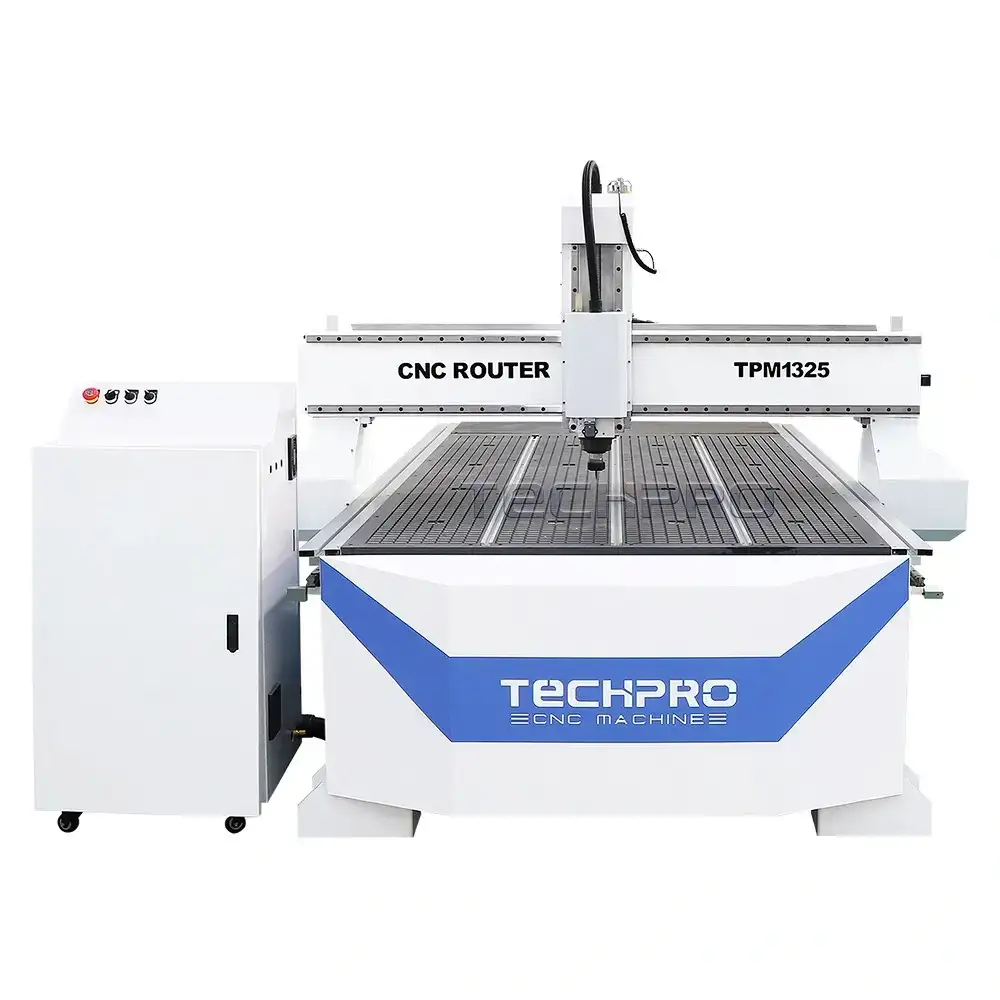
| CNC Routers | Also vertical, similar to mills | Often used for cutting wood, plastics, and soft metals with a downward tool approach. |
| CNC Lathes | Horizontal along the spindle axis | Here, the Z-axis typically runs along the length of the part being turned — front to back — instead of vertical. |
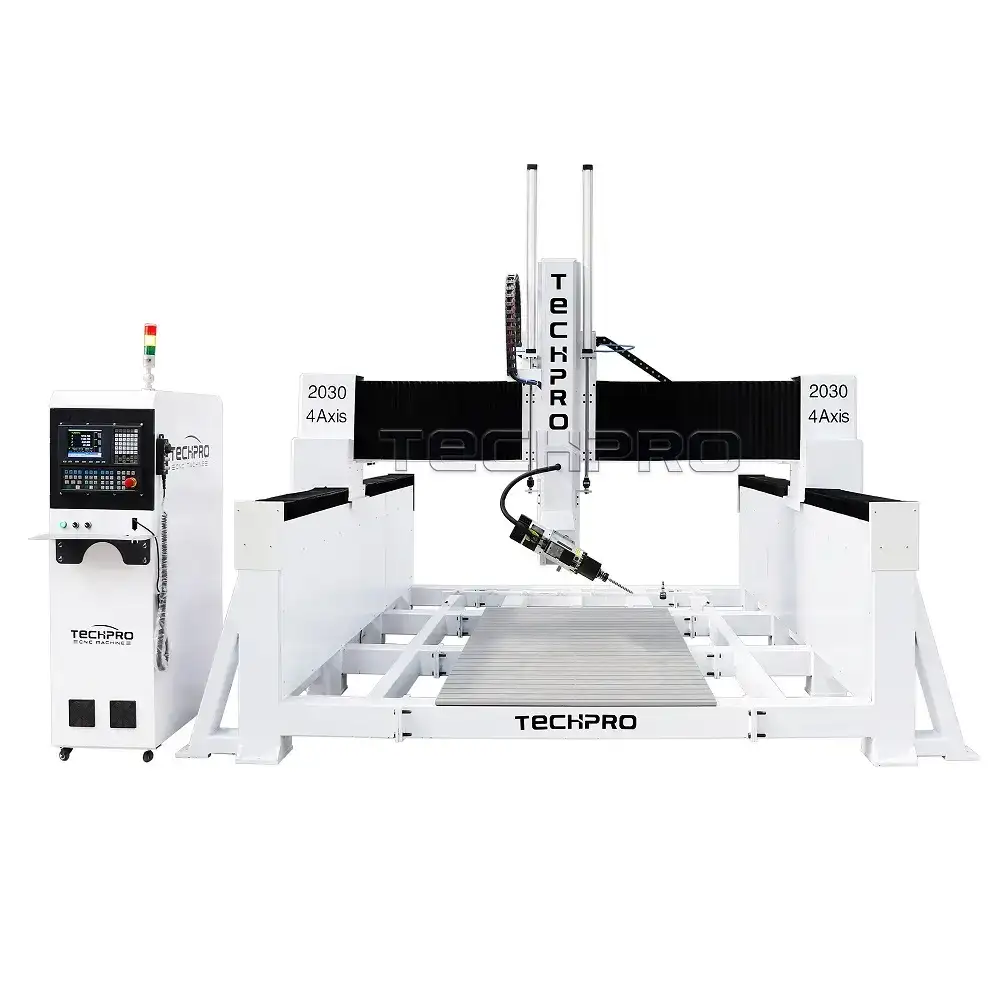
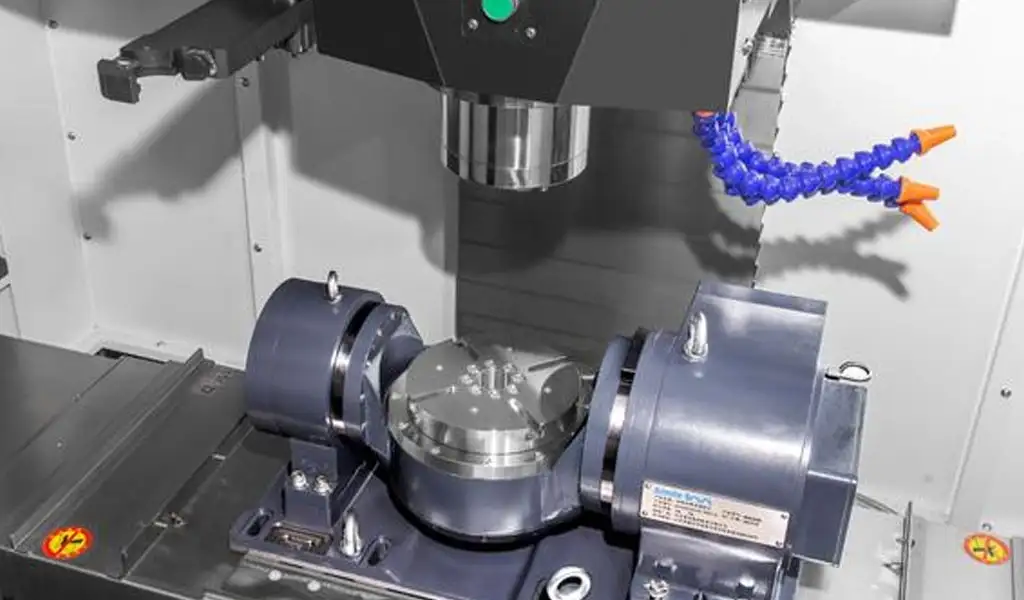
| 4 & 5-Axis Machines | Z-axis is still vertical but combined with rotary axes | Z-axis controls vertical tool movement, while rotary axes allow tilting and rotating for complex angles. |
In short, most CNC mills and routers have the Z-axis moving vertically to control cutting depth. Lathes differ because their Z-axis follows the spindle’s length direction. Multi-axis machines rely on the Z-axis for vertical motion but add rotation to handle complex shapes.
For more info on advanced setups, check out our 4-axis CNC router machine and the 5-axis wood CNC machine.
How to Identify the Z-Axis on Your CNC Machine
Finding the Z-axis on your CNC machine is pretty straightforward if you know what to look for. Here are some quick tips:
- Look for vertical movement: The Z-axis usually moves the tool or spindle up and down. Physically watch the spindle or tool head as it moves toward or away from the workpiece.
- Check the machine manuals: Manufacturer guides often include diagrams showing the axis layout, making it easy to confirm which is the Z-axis.
- Use the CNC control software: Most control interfaces label the axes clearly. Jog the Z-axis through the software and see which way the machine moves.
- Use measuring tools: A dial indicator or other precision measuring tool can help verify vertical travel. Measure how much the tool moves up or down when you command a Z-axis move.
- Observe spindle height changes: On milling machines and routers, the spindle’s height change directly relates to the Z-axis.
By combining these steps, you can confidently identify the Z-axis and better understand how your CNC machine operates.
Practical Examples Z-Axis Movements in Common CNC Operations
Understanding how the Z-axis moves during typical CNC operations like drilling, pocketing, and contouring is key to getting precise cuts.
- Drilling: The Z-axis controls the drill bit’s plunge depth. It moves straight down into the material and then retracts back up once the hole is finished. The depth must be set accurately to avoid over-drilling.
- Pocketing: Here, the Z-axis gradually lowers the tool in steps or passes to clear material inside a defined area. This controlled vertical movement helps avoid tool overload and ensures a smooth finish.
- Contouring: The Z-axis follows the surface profile, moving up and down as the tool traces the shape. This allows for 3D shapes or angled cuts, requiring precise vertical control to match the design.
Retract and Plunge Explained
- Plunge: When the tool moves downward along the Z-axis into the workpiece.
- Retract: When the tool moves upward away from the workpiece to a safe height for repositioning or tool changes.
Both moves must be programmed carefully to prevent crashes or gouging.
Troubleshooting Z-Axis Errors
- Too Shallow Cuts: Check if the Z-axis zero point is set correctly. A wrong reference or offset can cause the tool to stop above the desired depth.
- Too Deep Cuts: Could be due to incorrect tool length or miscalculated tool offsets. Confirm the Z-axis limits and offsets in the CNC software.
- Inconsistent Depths: Might arise from mechanical play in the Z-axis or worn leadscrews. Regular maintenance and calibration help keep Z-axis movement precise.
Being aware of how the Z-axis moves in these scenarios helps improve machining accuracy and avoid costly errors.
For more detailed setup and machine-specific info, you can check out TechPro’s 3-axis CNC router machine introduction.
FAQs About the CNC Z-Axis
What direction does the Z-axis move on a CNC machine?
The Z-axis usually moves vertically, up and down relative to the workpiece, controlling the cutting depth or tool height.
Is the Z-axis the same on all CNC machines?
Not always. While most 3-axis CNC mills have a vertical Z-axis, CNC lathes and multi-axis machines might have different setups. Always check your specific machine’s manual.
Why is the Z-axis important in machining?
It controls the depth of cuts and tool approach, which directly affects machining accuracy and surface finish.
What happens if I confuse the Z-axis direction when programming?
Confusing axis directions can cause tool crashes, inaccurate cuts, or even damage to the machine and workpiece. Always verify before running a program.
How can I tell if the Z-axis is moving correctly?
Watch the tool move vertical relative to the table or workpiece. Using software displays or jog controls helps confirm correct Z-axis movement.
Does the Z-axis only move straight up and down?
On basic 3-axis machines, yes. But on 4 or 5-axis CNC machines, the Z-axis can work with rotary axes to achieve more complex motions.
Where can I learn more about your CNC machine axes?
Check out our in-depth 3-axis CNC router knowledge introduction for more details on axis directions and movement.
Understanding these common questions helps ensure safe and accurate CNC operation, especially when working with the crucial vertical Z-axis.


 EN
EN  TR
TR  FR
FR  DE
DE  VI
VI  IT
IT  NL
NL  AF
AF  KO
KO  ES
ES  PL
PL  ID
ID  JA
JA  RU
RU  HI
HI  DA
DA  FI
FI  TH
TH  ZH-TW
ZH-TW  BG
BG  CS
CS  HE
HE  AR
AR  PT
PT  SV
SV  HU
HU  HR
HR  SK
SK  NB
NB