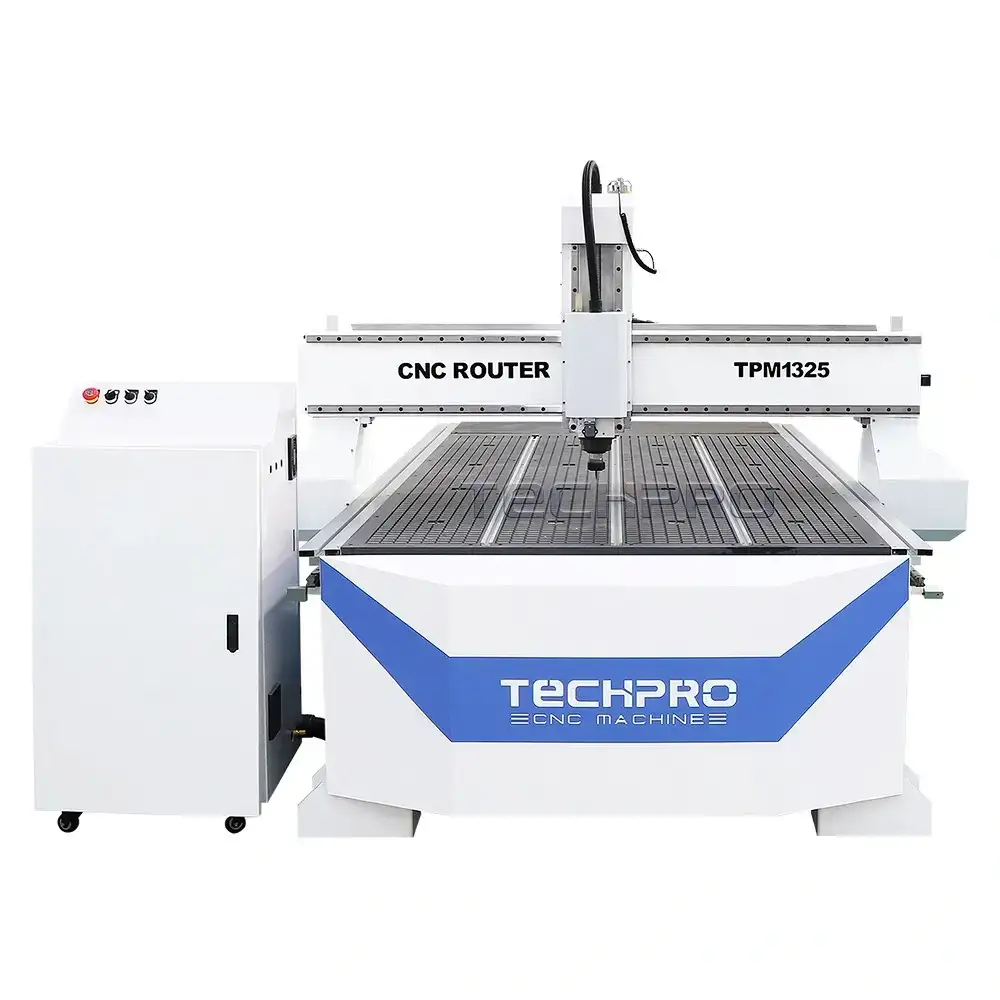
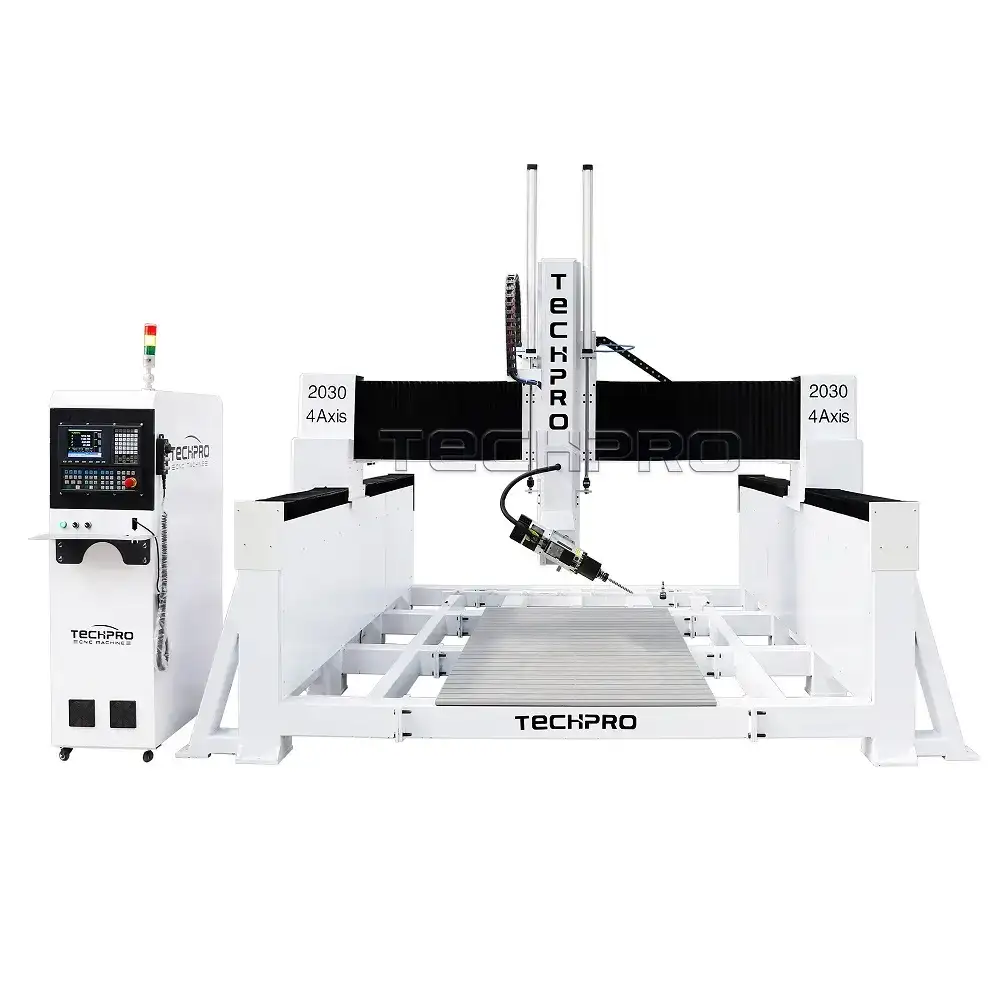
Maintenance For Woodworking CNC Router Machine :
- Regular cleaning
Cleaning the surface of the engraving machine
Using dust-free cloth: Clean the engraving machine housing with a dust-free cloth regularly to remove dust and wood chips, and keep the appearance of the equipment neat and tidy.
Using a vacuum cleaner: Regularly use a vacuum cleaner to remove wood chips and dirt from the workbench and surrounding areas to prevent the equipment from being blocked.
Clean the processing area
Clean the workbench: After each processing, use a brush or vacuum cleaner to clean the workbench to ensure that there are no wood chips and residual materials that affect the next processing.
Transparent protective cover: Keep the laser or tool protective cover clean to ensure a clear view and prevent smoke and dust accumulation. - Inspection and calibration
Regular inspection
Moving parts: Regularly check the lubrication and wear of moving parts such as guides and screws to ensure that there is no resistance.
Fixtures: Check the clamps and fixtures to ensure that they fix the material in an appropriate manner without looseness.
Calibrate the equipment
Regular calibration: Perform an overall calibration once a quarter to ensure engraving accuracy. Perform linear and angular calibration according to the instructions in the operating manual. - Check and maintain the tool
Tool inspection
Regular tool inspection: Check the sharpness and condition of the tool regularly. Worn tools should be replaced or sharpened in time to ensure the engraving effect.
Clean the tool: The tool should be cleaned in time after use to remove wood chips and resin attachment to avoid affecting the subsequent processing effect.
Tool storage
Properly store the tool: Store the tool in a dry, clean and dedicated tool storage box to avoid physical damage or deformation of the tool. - Check the electrical system
Power cord and connector
Check the power cord: Check the power cord and control line regularly to ensure that there are no cracks, breaks or wear to prevent electrical failures.
Electrical connection check: Confirm that all electrical connections are firm and not loose, and check the plug and socket regularly.
Power supply environment
Stable power supply: Ensure that the power supply voltage is stable to avoid equipment damage due to voltage fluctuations. A voltage stabilizer can be installed if necessary. - Lubrication and maintenance
Lubrication guide
Regular lubrication: According to the manufacturer’s recommendations, regularly add lubricating oil to the guide rails, lead screws and other moving parts to reduce friction and wear.
Use the right lubricant: Select the right lubricant according to the equipment requirements to ensure the best lubrication effect.
Heat dissipation protection
Check the fan and radiator: Regularly check whether the cooling fan and radiator are clean to ensure that the heat dissipation channel is unobstructed to prevent the equipment from overheating. - Operator training
Operator training
Train new operators: Ensure that new operators receive appropriate training and understand the equipment operating procedures and safety precautions.
Regular refresher training: Regularly conduct safety and operating skills training for existing operators to improve their operating proficiency and safety awareness. - Records and feedback
Maintenance records
Maintenance logs: Establish maintenance records, including each maintenance, repair and replacement of parts, for easy management and tracking.
Fault records: Keep detailed records of faults and problems that occur, and promptly feedback to technical support or manufacturers for analysis. - Safety and risk management
Safety protection
Wear protective equipment: Wear appropriate protective glasses and ear protection when working to avoid wood chips and noise from causing harm to the body.
Ensure emergency stop function: Regularly check the effectiveness of the emergency stop device so that you can respond quickly in an emergency.
Emergency plan
Be familiar with emergency procedures: Ensure that operators are proficient in emergency stop and handling
Laser Cutting Machine Maintenance Precautions :
- Regular cleaning
External surface of the machine
Cleaning the shell: Regularly scrub the shell of the laser cutting machine with a soft cloth and non-corrosive detergent to remove dust and dirt and keep the equipment clean and tidy.
Clean the control panel: Keep the control panel area clean to avoid pollution and stains affecting use.
Cutting area
Remove waste: After each cutting, clean up the metal chips and other waste generated during the cutting process in time to prevent accumulation from affecting the performance of the equipment.
Keep the light-transmitting device clean: Clean the light-transmitting window and protective cover regularly to ensure the maximum transmittance of the laser beam. - Check the laser head and optical components
Laser head inspection
Regular inspection: Regularly check whether the laser head is operating normally to ensure that the laser beam is well focused.
Clean optical components: Use special optical cleaning fluid and flannel to clean the mirrors and lenses regularly to avoid smoke, dust, etc. from contaminating the optical components and affecting the cutting quality.
Adjust optical components
Beam alignment: Check and adjust the alignment of the laser beam every month to ensure that the laser is stable and focused to avoid cutting errors. - Check mechanical parts
Moving parts
Lubricate moving parts: According to the manufacturer’s recommendations, regularly add an appropriate amount of lubricant to the guide rails, lead screws and other moving parts to reduce friction and wear and ensure smooth movement.
Check belts and chains: Regularly monitor and adjust the tightness of drive belts and chains to ensure their normal operation.
Mechanical connections
Check bolts and fasteners: Regularly check all bolts and fasteners to ensure that they are not loose and tighten them in time if necessary. - Electrical system maintenance
Check electrical interfaces
Check power cords and connectors: Regularly check whether the power cord and control line are worn or loose to ensure that there is no short circuit or open circuit.
Check power supply: Confirm that the power supply voltage meets the equipment working standards to avoid damage to the equipment caused by unstable voltage.
Fans and cooling system
Clean fans and radiators: Regularly clean the fans and heat sinks inside the equipment to ensure that the cooling system is unobstructed and prevent overheating. - Cooling system inspection
Coolant inspection
Regularly check the liquid level: Regularly check the coolant level to keep the cooling system working properly and prevent overheating or damage to the laser.
Clean the cooling system: Clean the cooling water tank and pipes regularly to ensure that there is no blockage, and replace the coolant when necessary. - Calibration and maintenance
Equipment calibration
Regular calibration: Calibrate according to the recommendations in the operating manual to ensure cutting accuracy and consistency, especially after replacing the laser head or performing large-scale maintenance.
Record each calibration: Establish a calibration record for subsequent review of the equipment status. - Safety protection and operator training
Safety training
Operator training: Ensure that all operators receive adequate safety training, master safe operating procedures and emergency response capabilities.
Regular refresher training: Conduct regular refresher training for operators to update safety knowledge and equipment operation skills.
Safety inspection
Check safety devices: Regularly check the safety devices of the equipment, such as emergency stop buttons and safety guards, to ensure that they are working properly. - Records and feedback
Maintenance records
Establish a maintenance log: Record the details of each equipment maintenance, inspection and repair for subsequent tracking and management.
Fault records: Record and summarize the faults that occur during operation, and feedback to the technical support team for analysis and resolution. - Avoid overload and reasonable use
Avoid overload operation

 EN
EN  TR
TR  FR
FR  DE
DE  VI
VI  IT
IT  NL
NL  AF
AF  KO
KO  ES
ES  PL
PL  ID
ID  JA
JA  RU
RU  HI
HI  DA
DA  FI
FI  TH
TH  ZH-TW
ZH-TW  BG
BG  CS
CS  HE
HE  AR
AR  PT
PT  SV
SV  HU
HU  HR
HR  SK
SK  NB
NB